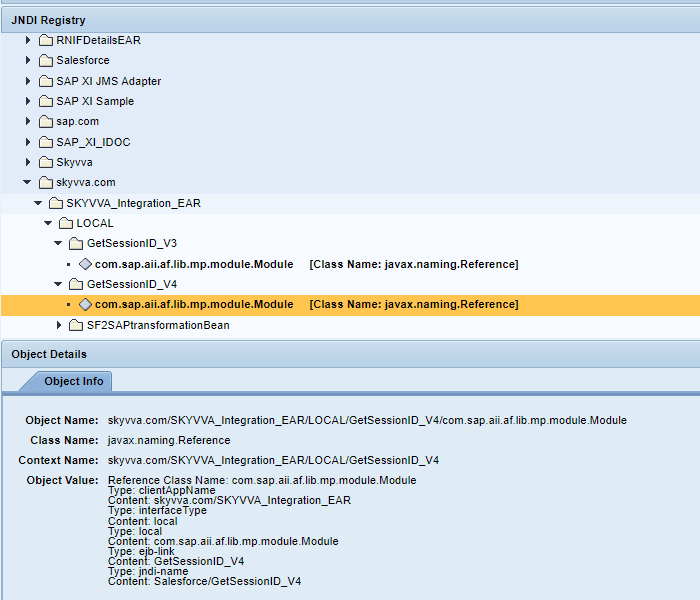
This document explains us about how to check the SKYVVA java module version which is deployed in SAP PI/PO.
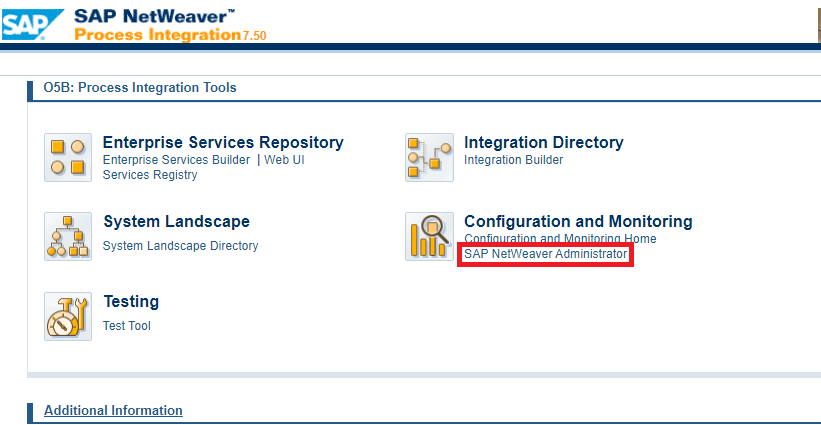
For this we have to open SAP PO NetWeaver Administration
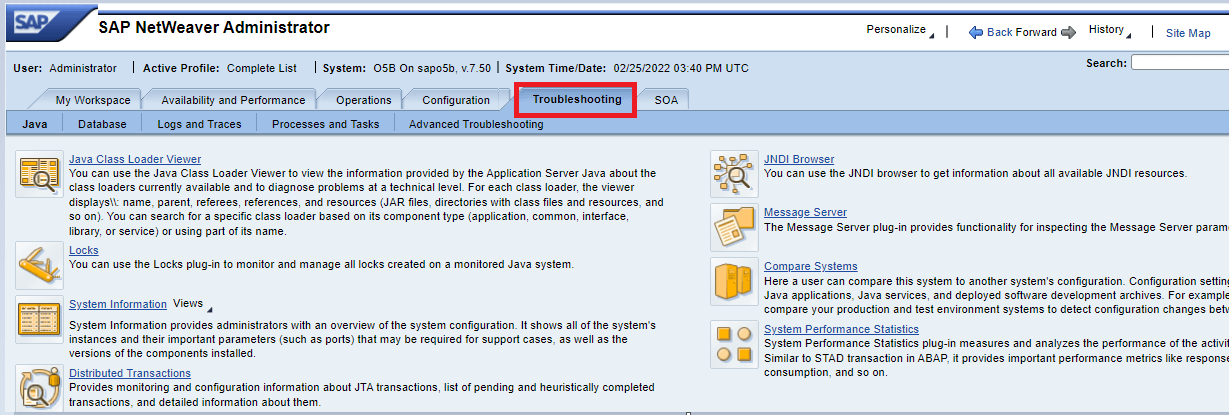
then we have to select the tab troubleshooting
Now select JNDI browser
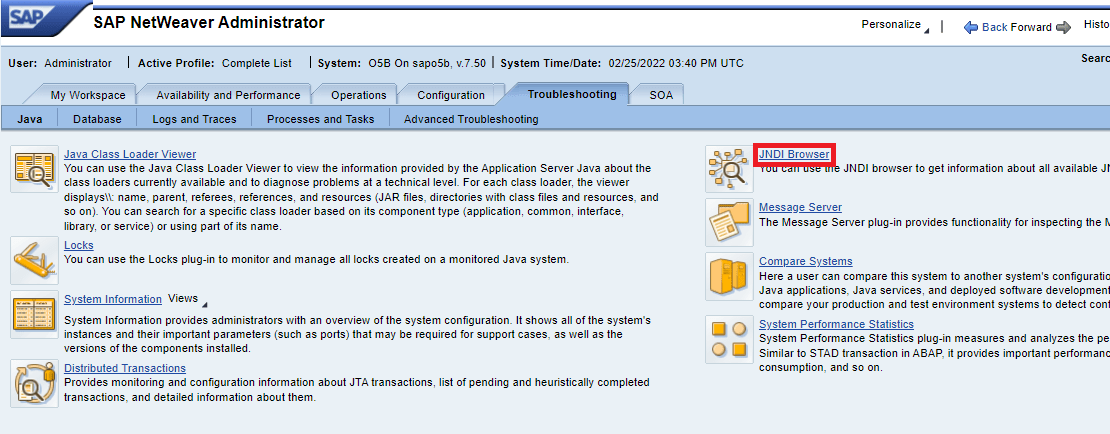
Once we select JNDI browser we can navigate to the below page
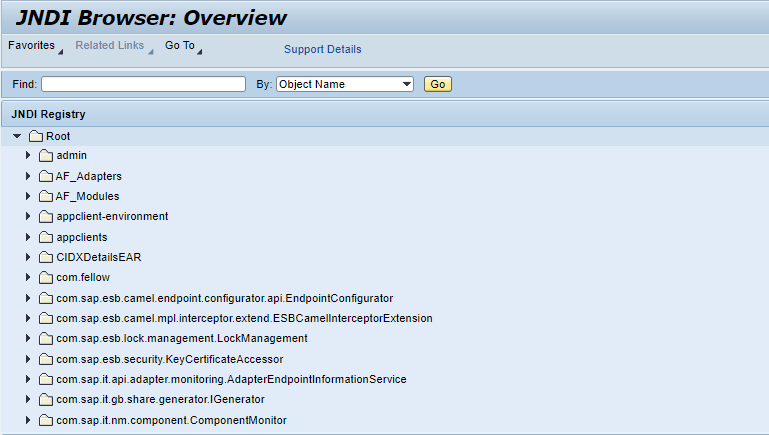
Scroll down to see JNDI registry “Skyvva.com”
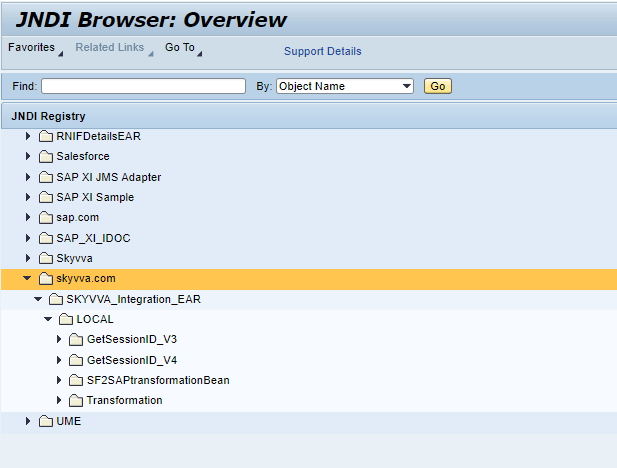
In that if we can expand GetSessionID_V3. Here we can see the deployed module details as shown below
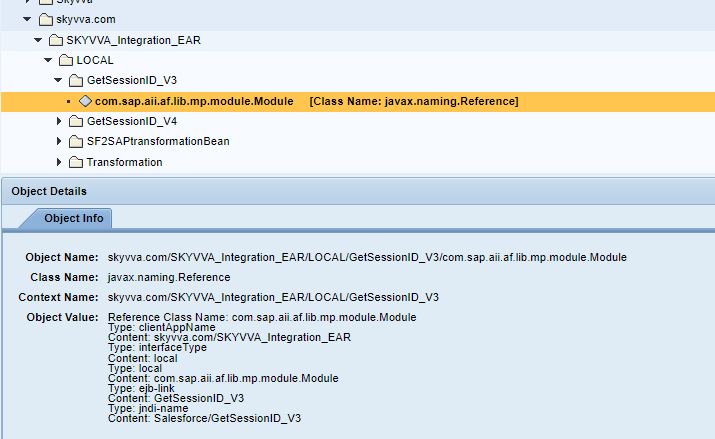
Similarly for GetSessionID_V4. Once we expand this we can see the V4 module details as shown below.